The short answer
Many do. The line StudioOS draws: the car must be your real car, unchanged, the numbers come from you, and the post says it was made with AI.
- Change the scene, never the car.
- Your ads stay your responsibility.
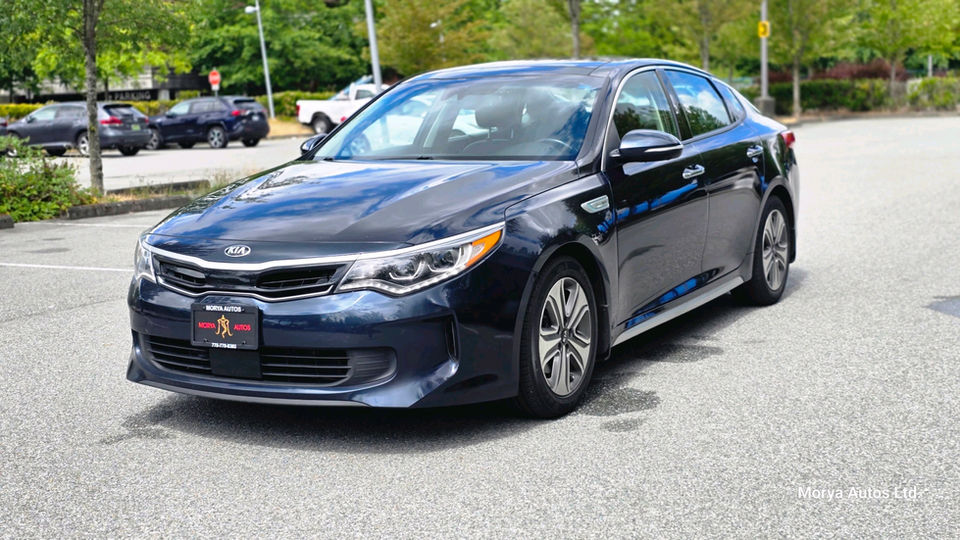
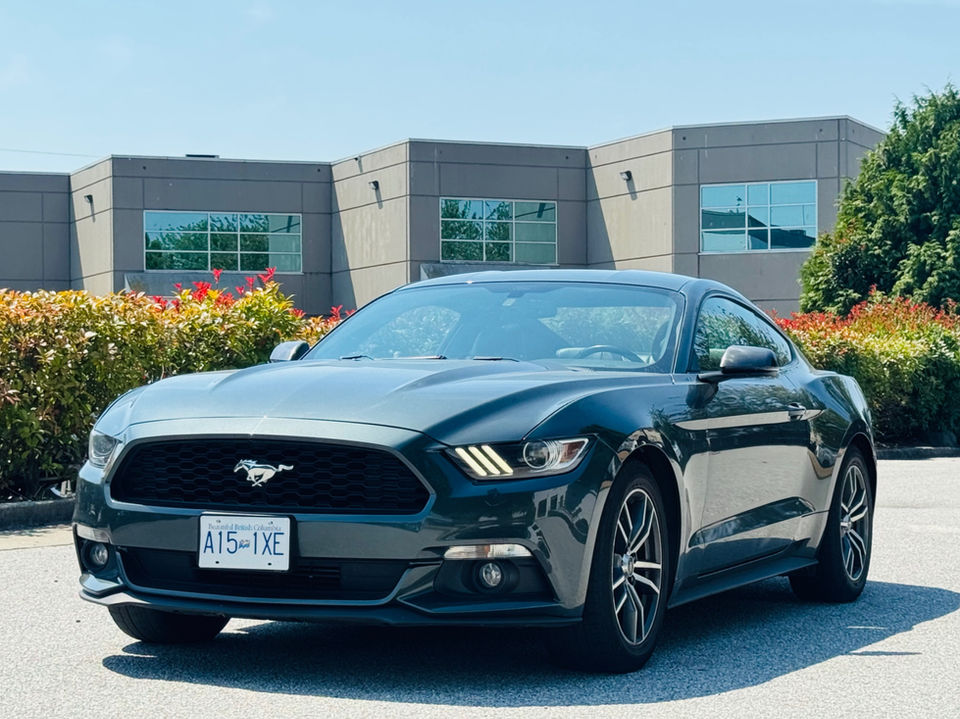
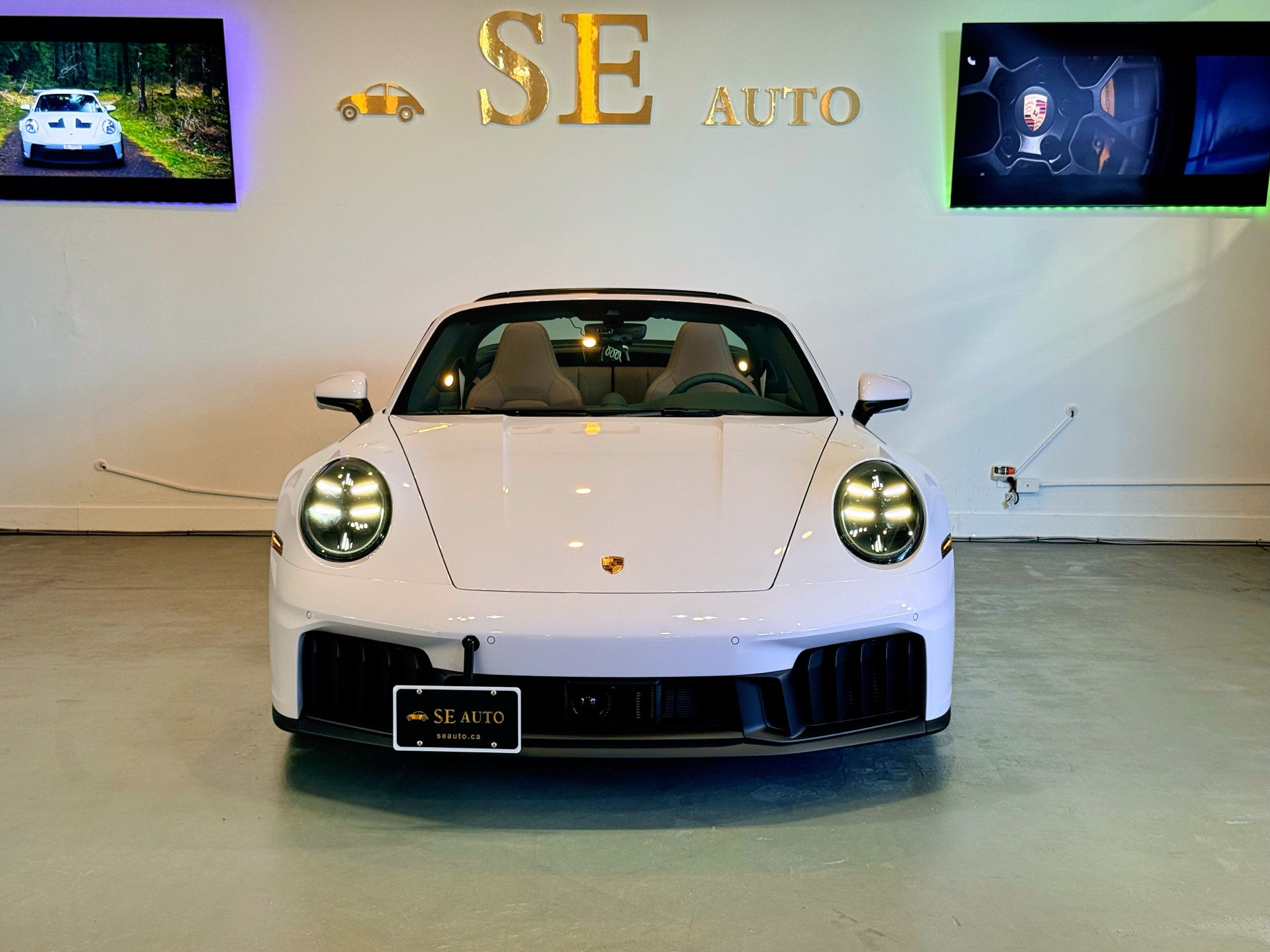
AI can put a car in a clean studio, fix the light and give it a background worth stopping for. Used well, it shows the car you already have at its best. Used carelessly, it shows a buyer a car that isn’t on your lot.
- Rule 1
Start from a photo of the real car
Every picture and every reel starts from your own photo of the car on your lot. Nothing is made up from a prompt.
- Rule 2
Change the scene, never the car
A studio floor, softer light, a new background: yes. Other wheels, a nicer trim, a scratch painted out: no. The buyer should find the car they saw.
- Rule 3
Numbers come from you, not the AI
The price, the km and the stock number are typed by you and printed exactly. The AI makes pictures, not numbers.
- Rule 4
Say it’s made with AI when you post
StudioOS labels everything it makes as AI inside the app. Carry that into your post, so nobody feels tricked.
The labels
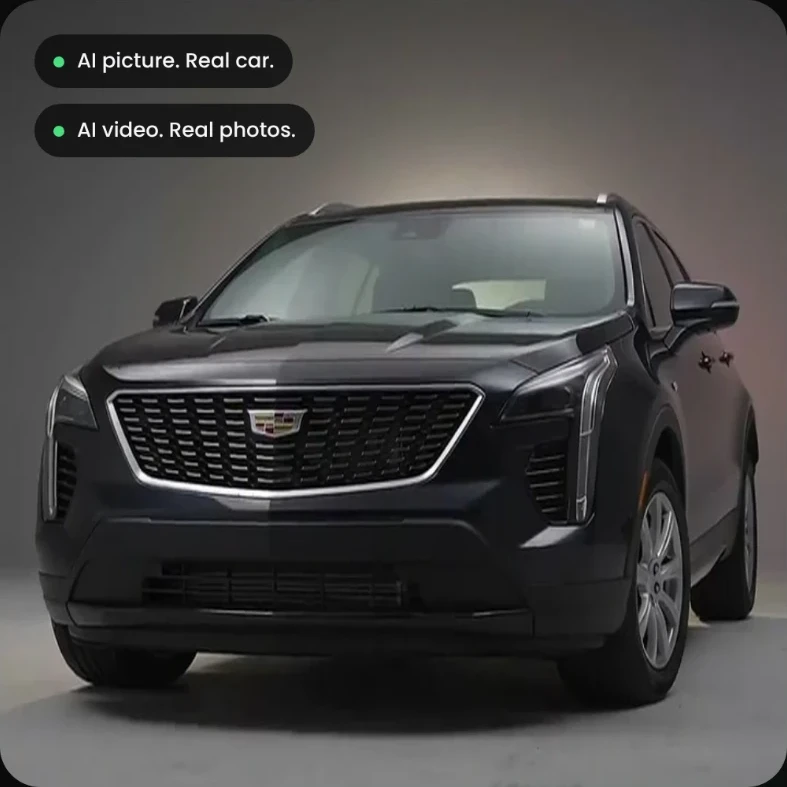
Inside StudioOS, an AI picture is labeled “AI picture. Real car.” and an AI reel “AI video. Real photos.” They are the same labels this site puts on every example.
Try it on a car from your lot.
Add a few photos, or paste the listing link.
20 free credits. No card.